Mind the gap, check the app
— live London Underground arrivals for every Tube, Overground, Elizabeth line and DLR station.
The London Underground board,before the barriers.
Every line a station actually carries, every direction it actually runs. Pick a train and the countdown rides with you on the Lock Screen. Paid once. No account. Nothing watching you back.
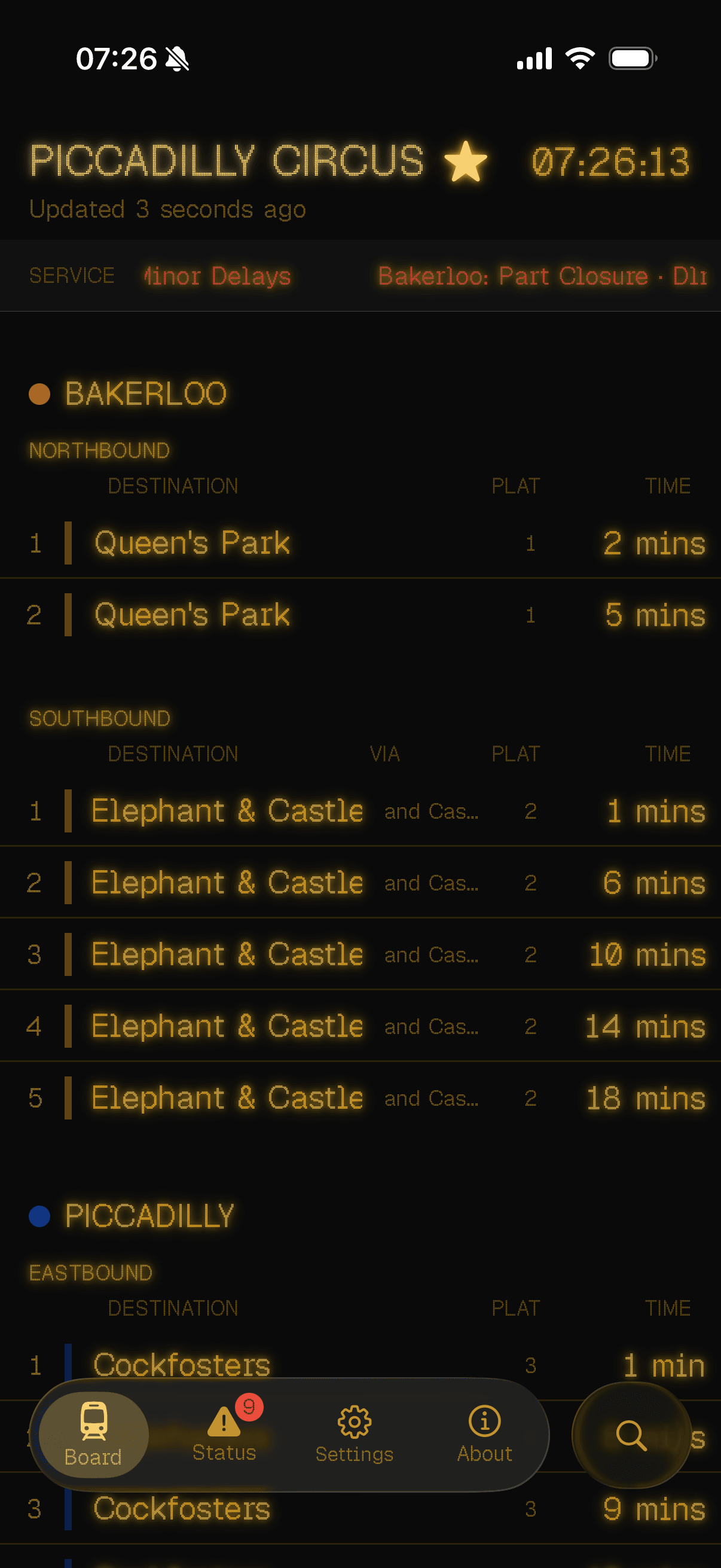
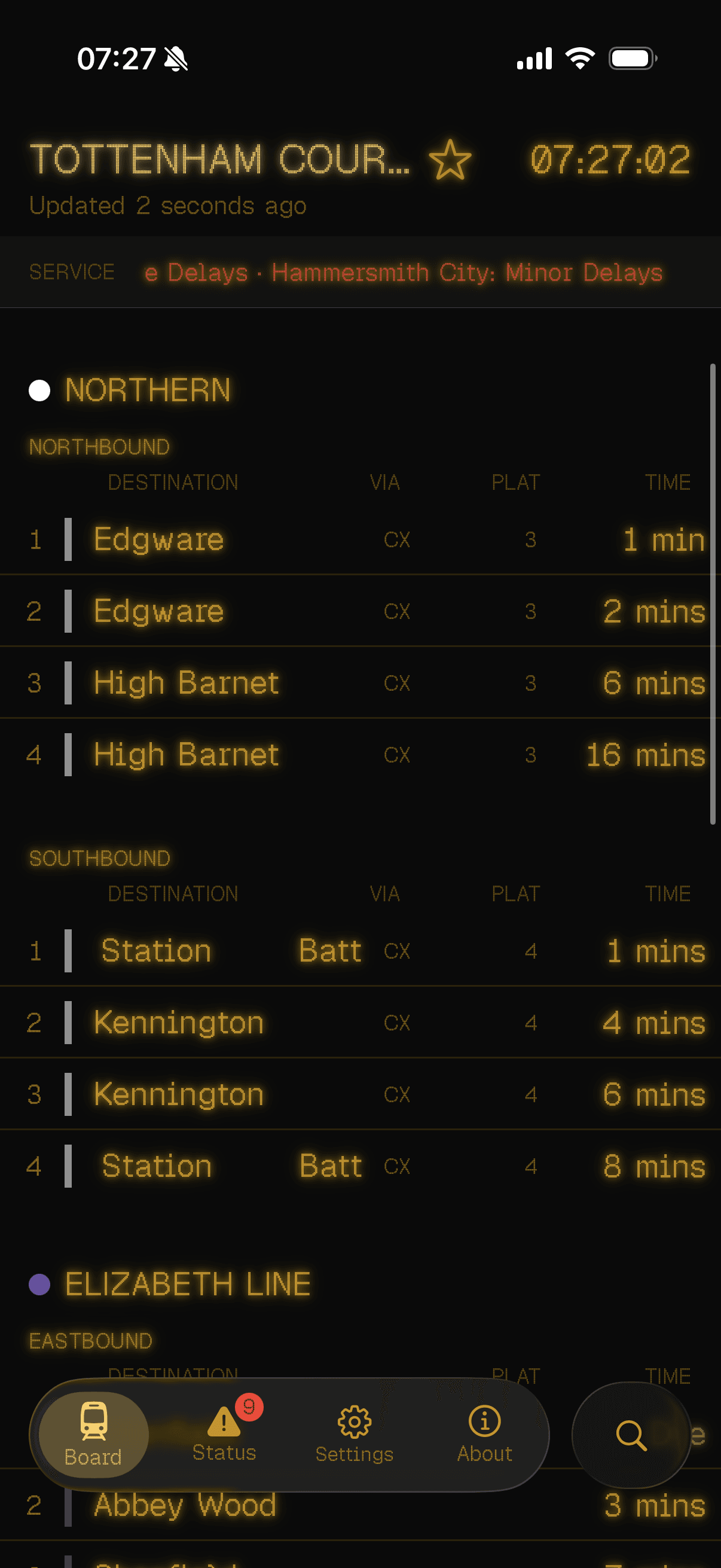
All the lines, including the awkward ones
Every line that actually stops here
Bank has the Waterloo & City. Tottenham Court Road has Elizabeth. Stratford has the Mildmay. Other apps lose one and hope you don't notice. Tubbie shows the lot.
Disruption-aware
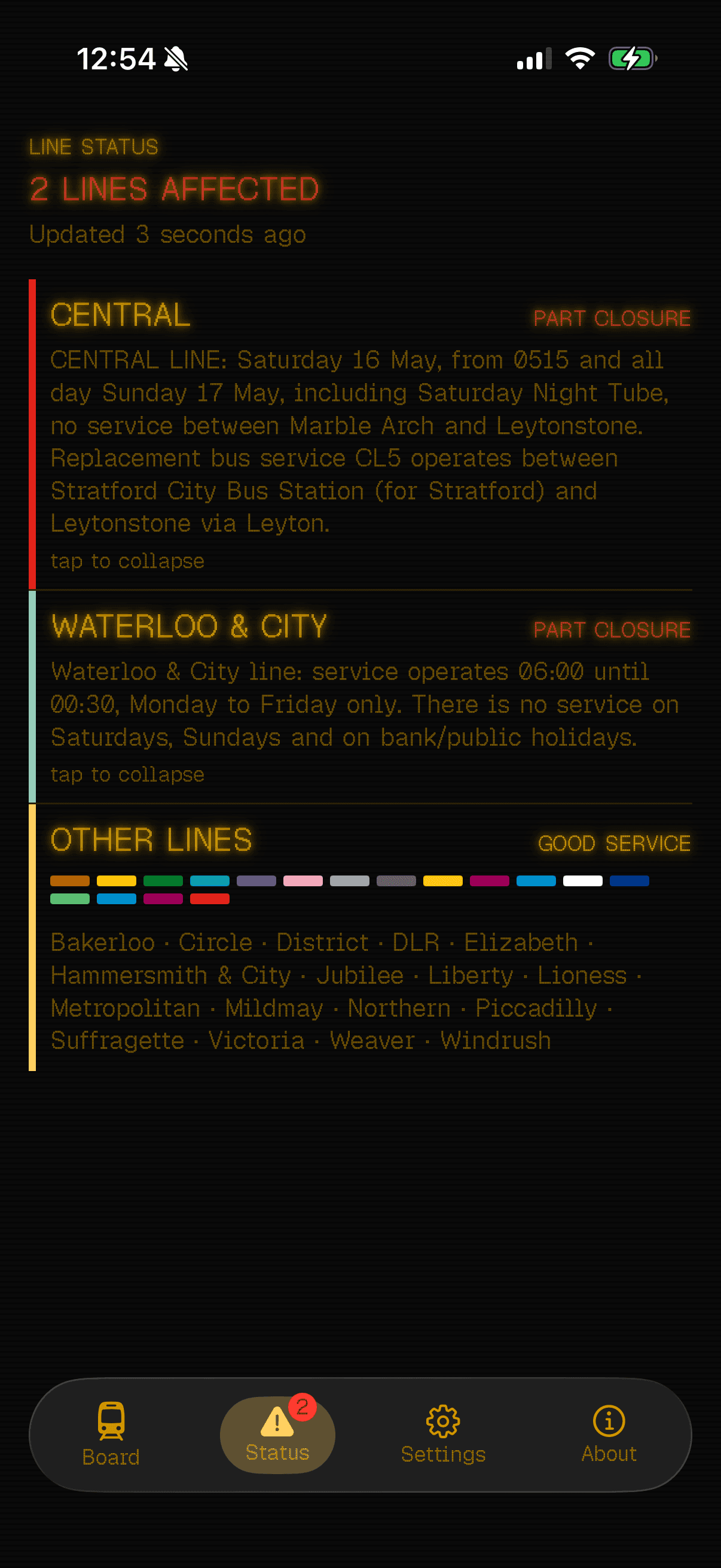
The warning before the train
Tubbie's icon turns into a warning the moment a line you use is suspended or part-suspended. Know before you tap in. The Status tab tells you what's affected, when service resumes, and what's still running, so you can change route before the barriers, not the platform.
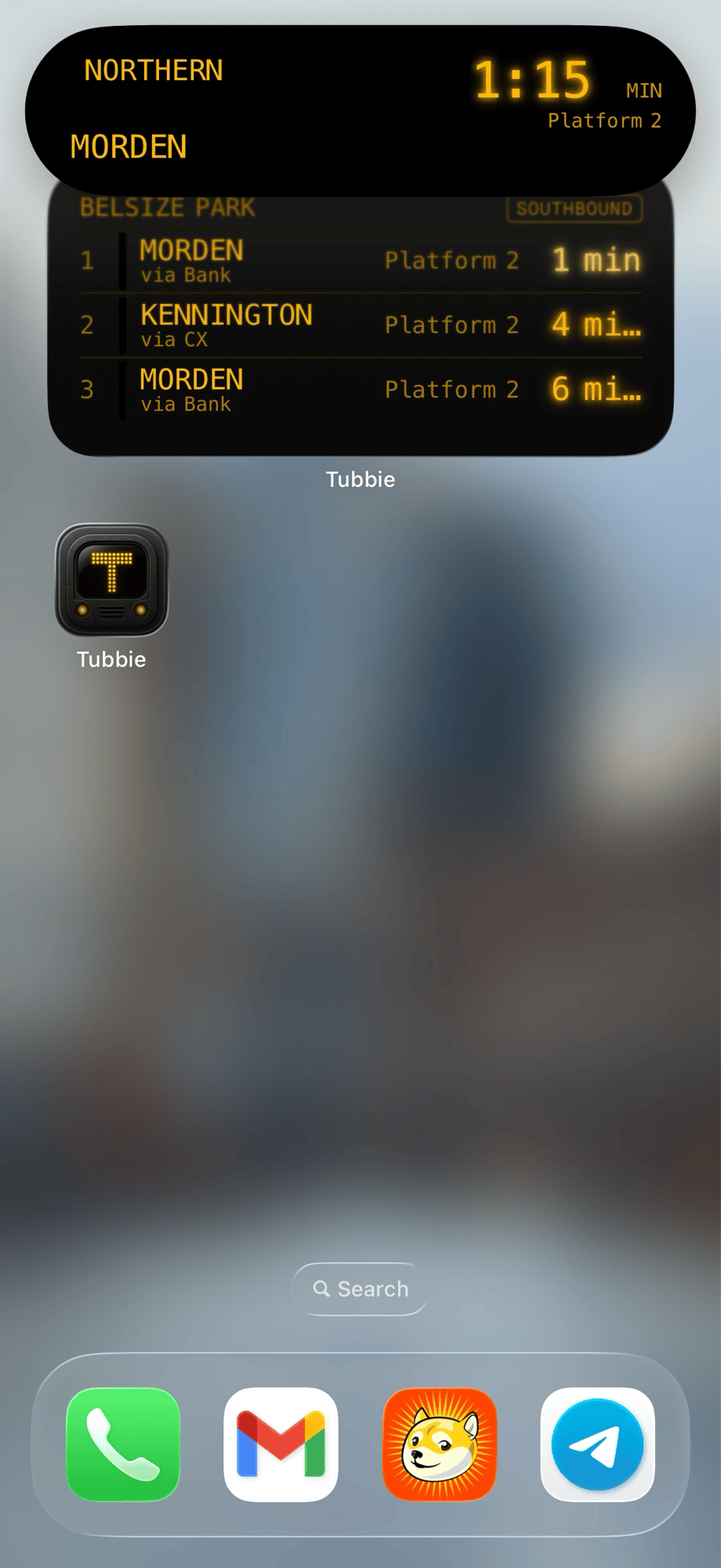
The countdown that knows when to leave
It follows the train, not you
Pick a train and the countdown rides on your Lock Screen until the train does. It fades as TfL's prediction gets shakier. When the train's gone, so is it.
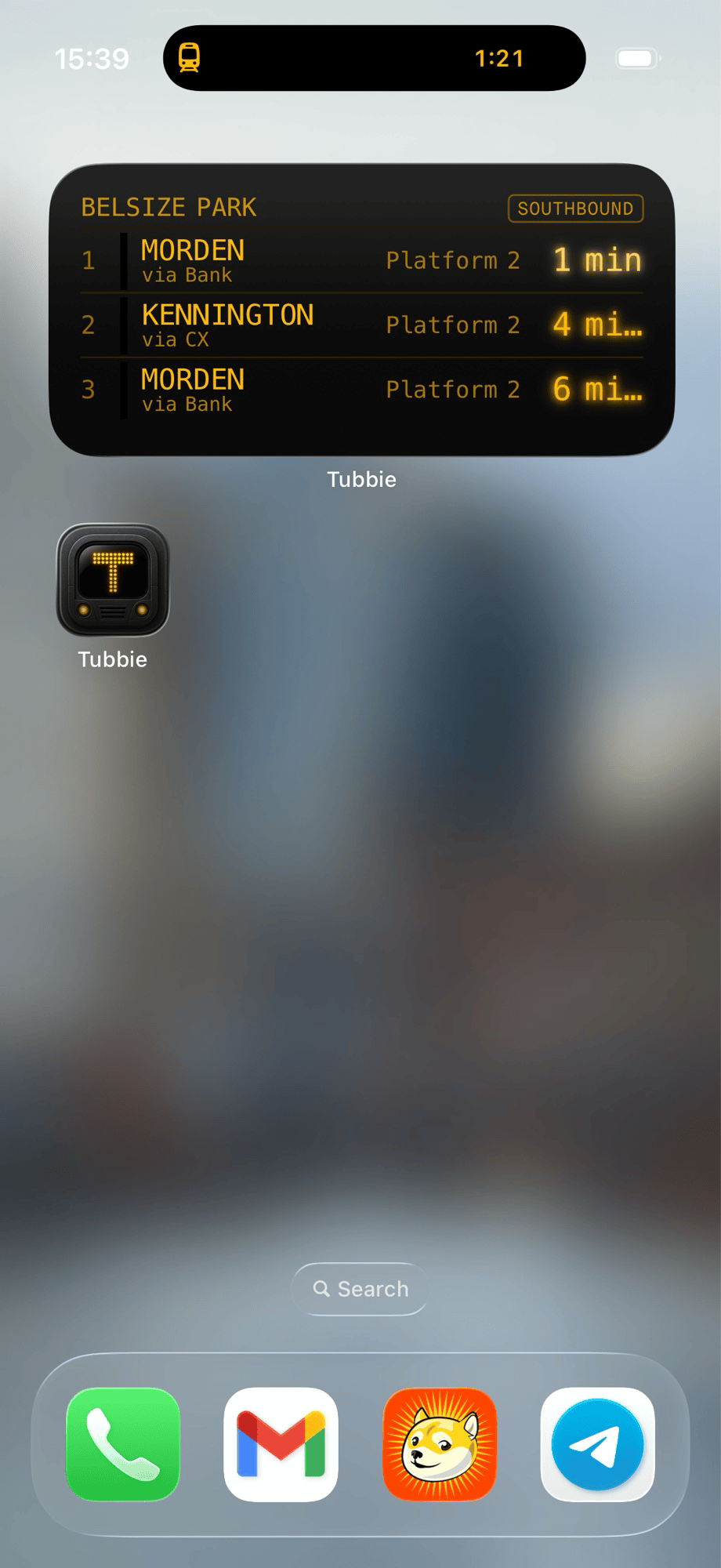
Home Screen widget
A platform sign, on your Home Screen
Pick a station and a direction; the widget shows what's coming next. The direction picker scopes itself to the directions your station serves, so Chalk Farm offers Northbound and Southbound, and nothing else. It refreshes in the background, quietly.
On your wrist
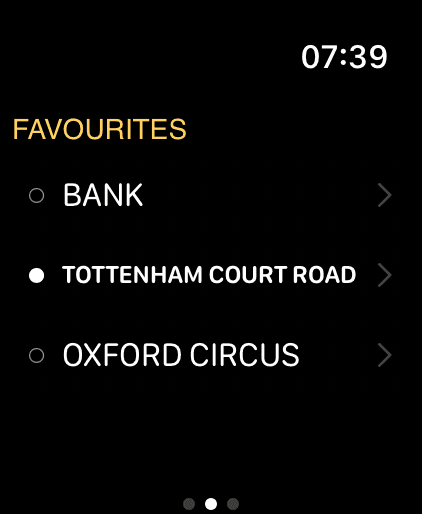
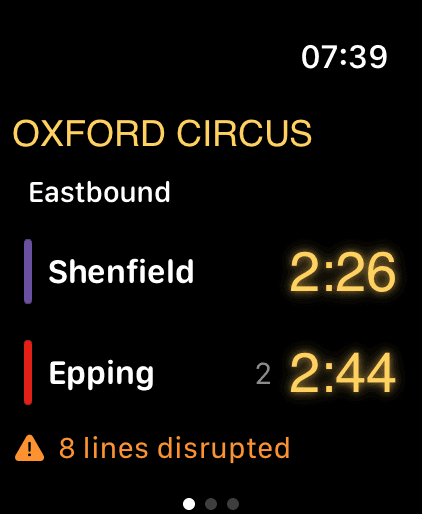
The board, where your watch already is
The watchOS companion puts your board and your favourites on your wrist — the same live arrivals and line status, big enough to read mid-stride. Pin a station on iPhone and it's there when you glance down, no phone in your hand.
Find a station
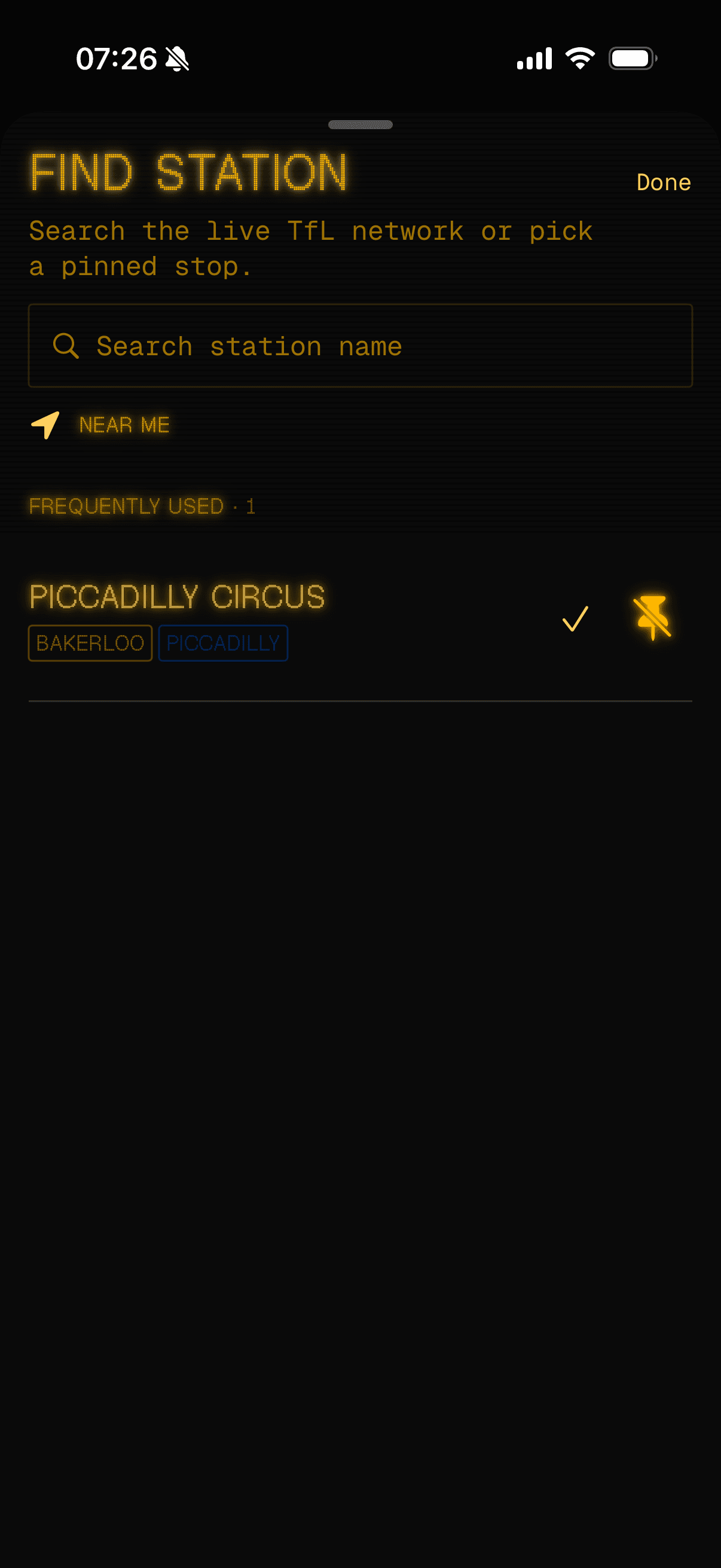
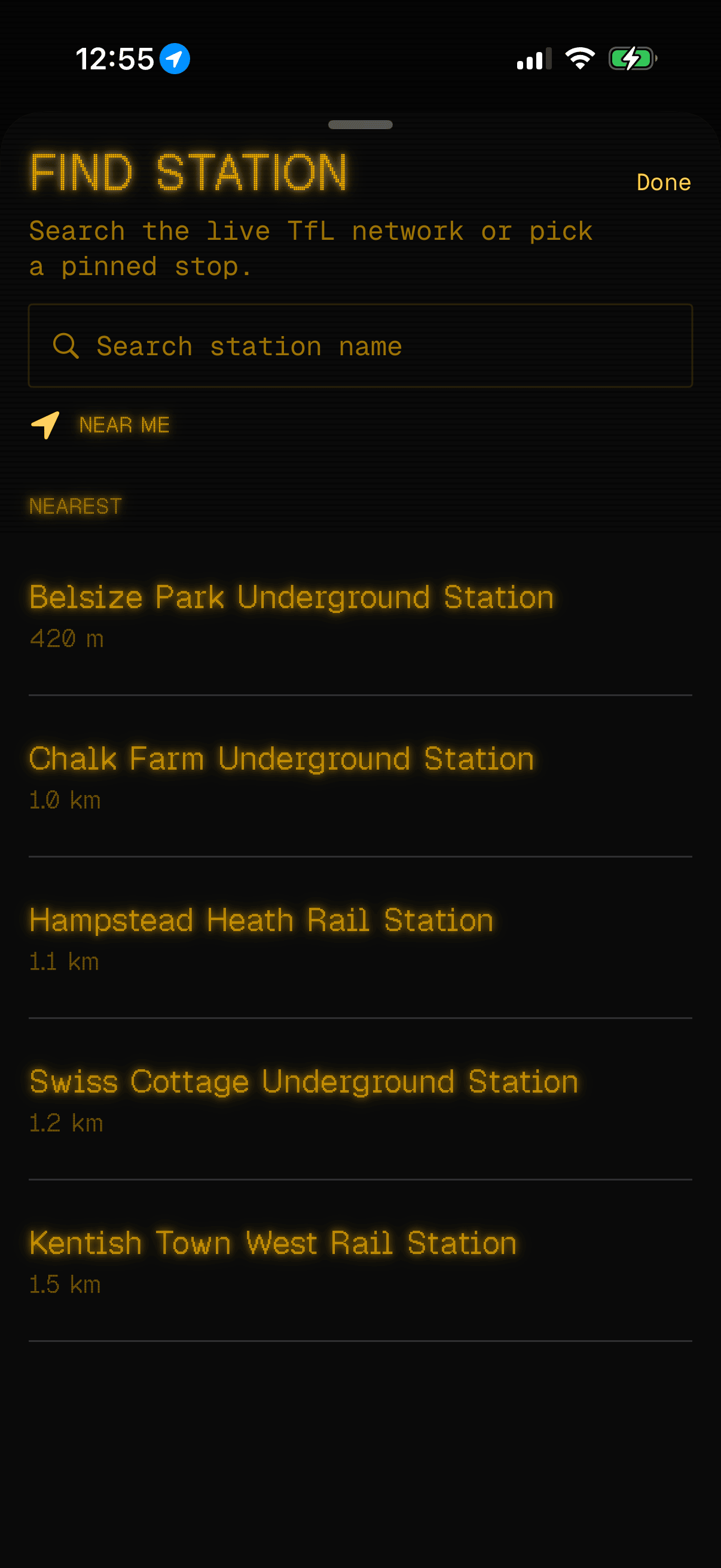
Your station, in two taps
Pin the stations you actually use. Saved on-device. Or tap Near Me and let your phone find the closest one. Your coordinates leave the device once, go straight to TfL, and aren't kept.
The short version
A board that doesn'twatch you back
Most free travel apps sell where you go. Tubbie is paid once and runs on your device. No account to make, nothing to log into. No server that knows about you. It doesn't need to.
- Your TfL API key sits in the iOS Keychain. Encrypted by iOS, never written to disk in plaintext, never logged, only ever used to call api.tfl.gov.uk.
- No analytics SDK. No third-party crash-reporting service. No advertising network. No third-party tracker of any kind. The app does not ship any of these.
- Location is asked for once, when you tap Near Me. Used once, never stored. Not on your device, not on a server.
- No account. No email. No push tokens. Tubbie does not know who you are.
Read the full privacy policy.
Tubbie has arrived
Download on theApp Store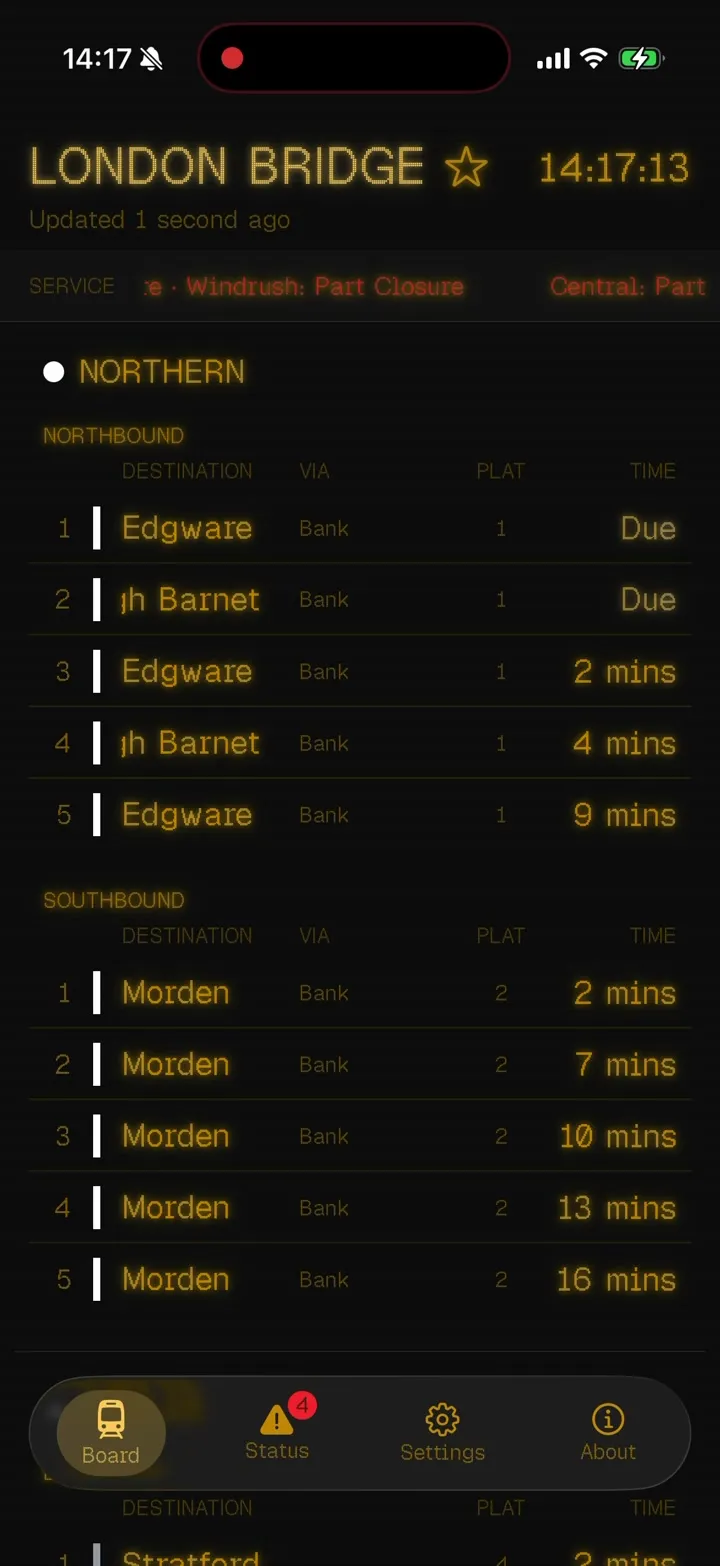
Tubbie is an independent project and is not affiliated with, endorsed by, or connected to Transport for London. Powered by TfL Open Data. Contains OS data © Crown copyright and database rights 2016.